

How Far Should the Digital Clock Radio Be from the Wall for the Best Projection Focus
2026-06-04
Achieving a sharp ceiling display with your Digital Clock Radio Projection unit requires correct placement. Many users struggle with blurry numbers. For the best results with a SYNST device, the optimal distance is between 4 to 7 feet (1.2 to 2.1 meters) from the wall or ceiling surface. This range ensures the internal lens delivers a crisp, readable focus without ghosting.
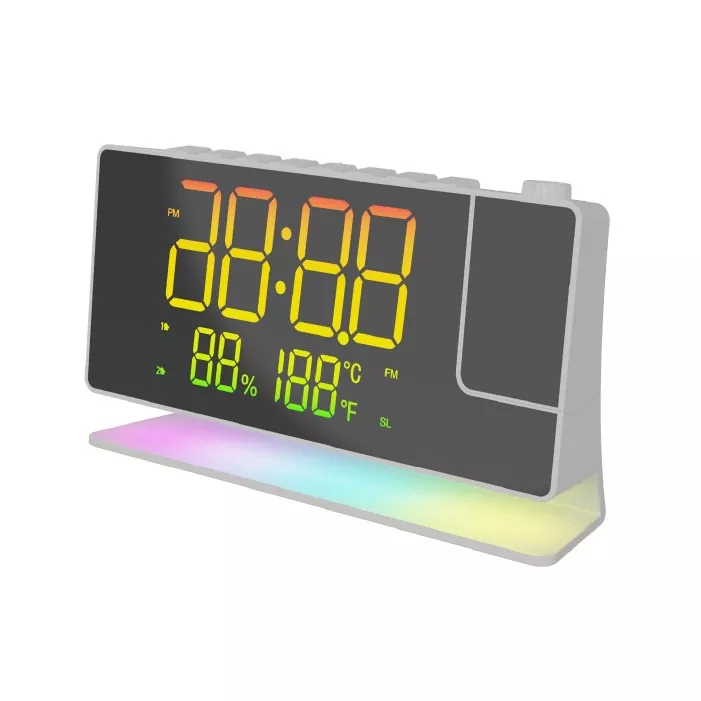
Optimal Distance Reference Table
| Distance from Wall | Focus Quality | Recommended Use Case |
|---|---|---|
| 1–3 ft (0.3–0.9 m) | Blurry, oversized | Too close; avoid this range |
| 4–7 ft (1.2–2.1 m) | Sharp, clear text | Standard bedrooms (Ideal) |
| 8–10 ft (2.4–3 m) | Acceptable but soft | Large master bedrooms |
| >10 ft (>3 m) | Dim, out of focus | Not recommended |
Factors That Impact Focus Quality
Even within the correct range, three variables affect clarity:
-
Projection Arm Angle: Rotate the SYNST lens arm to point perpendicular to the ceiling surface. A tilted angle creates elliptical distortion.
-
Surface Color: Dark or textured ceilings absorb light. For best results, aim for a flat white or light-colored ceiling.
-
Night Mode vs. Day Mode: Most Digital Clock Radio Projection devices reduce brightness automatically at night. If focus appears soft, check your brightness settings.
Digital Clock Radio Projection FAQ
Q: Why does my projection look stretched or oval-shaped instead of round?
A: This happens when the projection lens is not parallel to the ceiling. Adjust the SYNST unit so the lens faces directly upward. Any sideways tilt will turn the numbers into an oval. Place a small level on top of the device to confirm it sits flat on your nightstand.
Q: Can I use the projection feature through a glass or plastic screen protector?
A: No. Placing any transparent object between the lens and the ceiling will refract the light beam, creating double images or blurry edges. Mount the Digital Clock Radio Projection unit with a clear line of sight. Even a thin phone screen protector placed accidentally over the lens ruins focus.
Q: How do I fix a projection that was clear but became blurry after a few months?
A: Dust accumulation on the internal lens is the most common cause. Use a microfiber cloth to gently wipe the SYNST projection window. Do not use compressed air, which can push debris deeper. If cleaning does not help, the internal lens may have shifted from vibration – re-tighten the rotating arm screw if your model includes one.
Contact Us for Professional Support
If you have followed this guide and still cannot achieve sharp focus with your SYNST Digital Clock Radio Projection, reach out directly. Visit the SYNST official website and submit a support ticket with a photo of your current projection result. Our technical team responds within 24 hours to diagnose alignment or hardware issues.